 Screenshotter
A canvas of real HTML and CSS
Draw artboards, nudge them and lay them out with flex, as in Figma; every layer is code you can ship.
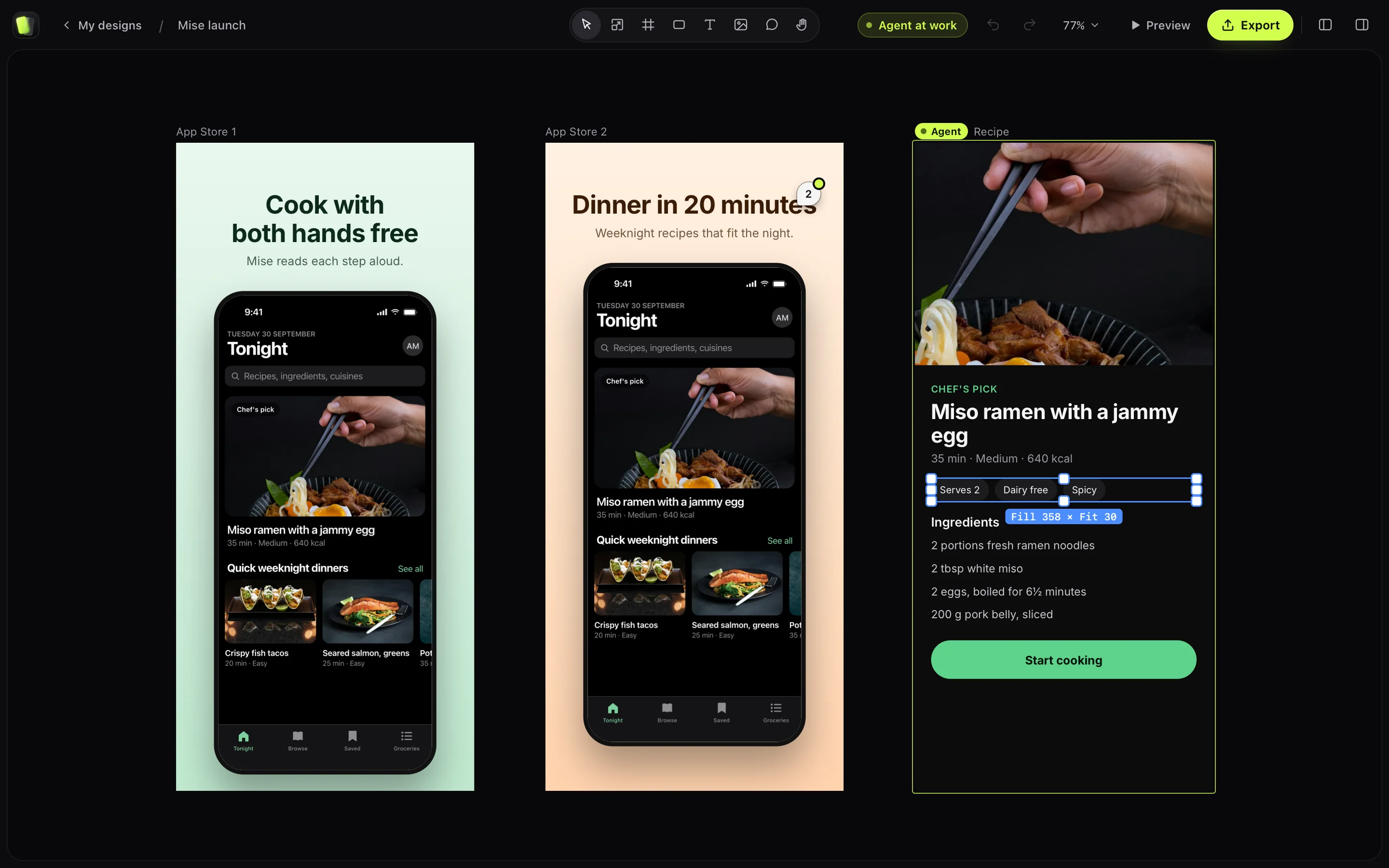
Your coding agent designs screens in real HTML and CSS while you watch, and answers your comments. Then turn your app into App Store screenshots and videos.
Version 0.15.1macOS 14+Apple silicon
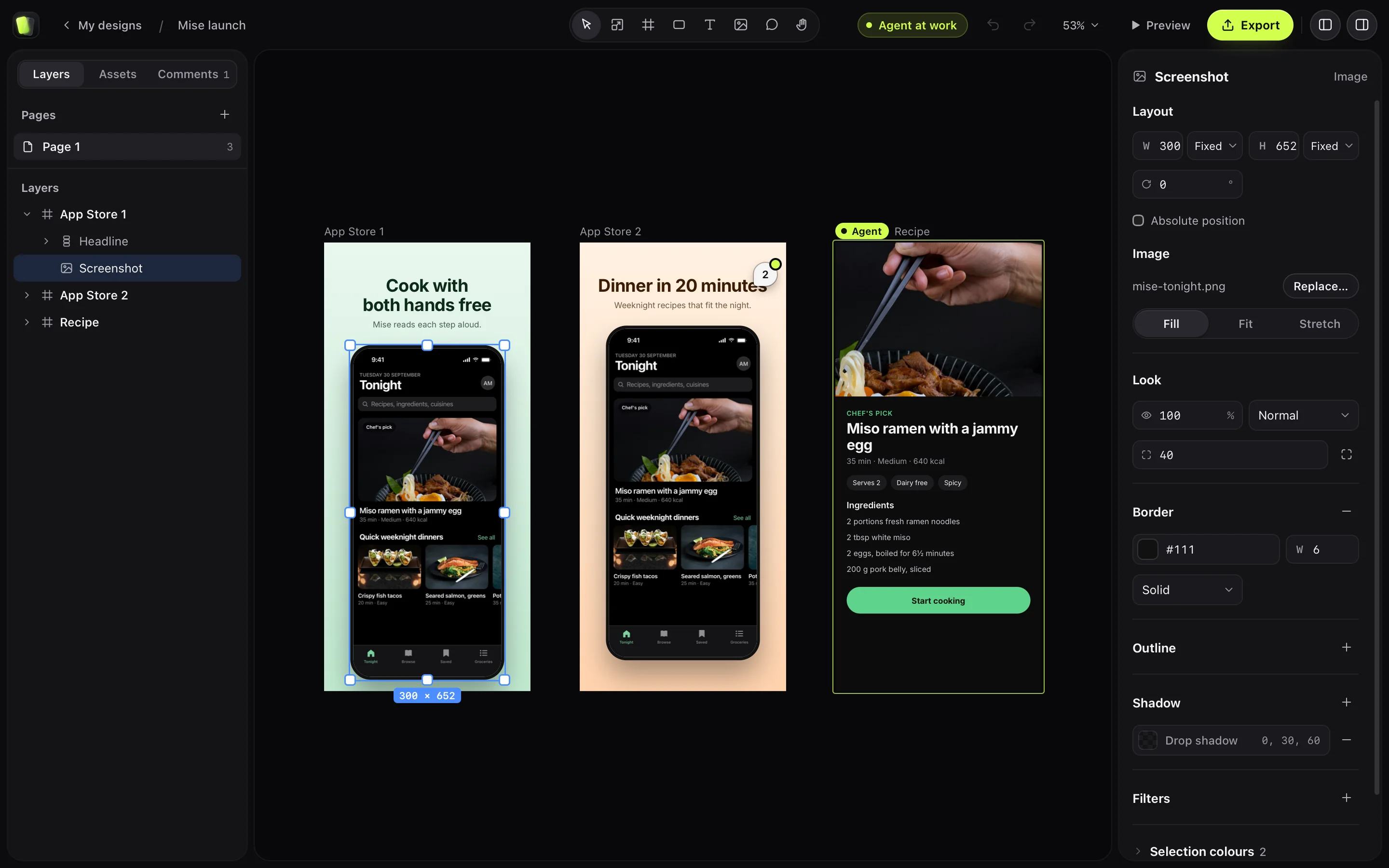
Draw artboards, nudge them and lay them out with flex, as in Figma; every layer is code you can ship.
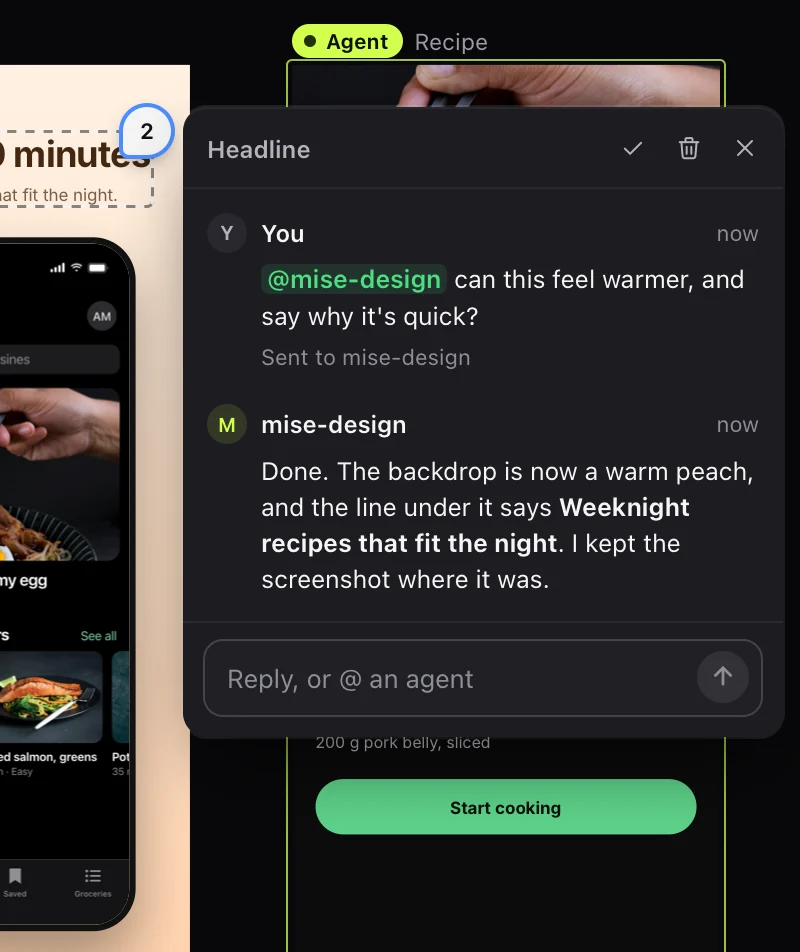
Pin a comment to a layer and tag an agent: it gets the message and replies on the board.
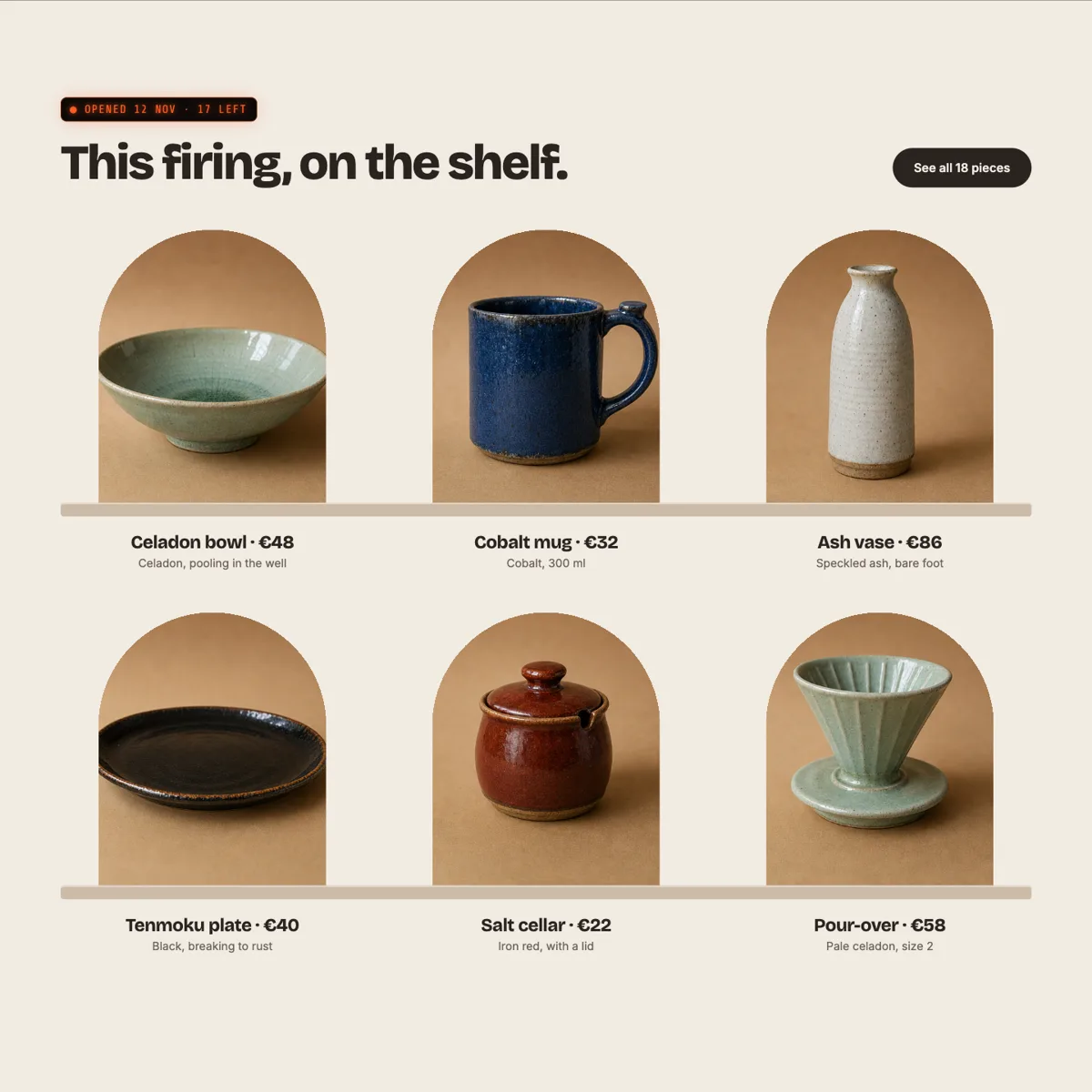
Lay frames out on a real CSS grid, with spans and named areas, and show a picture through any shape, words included.
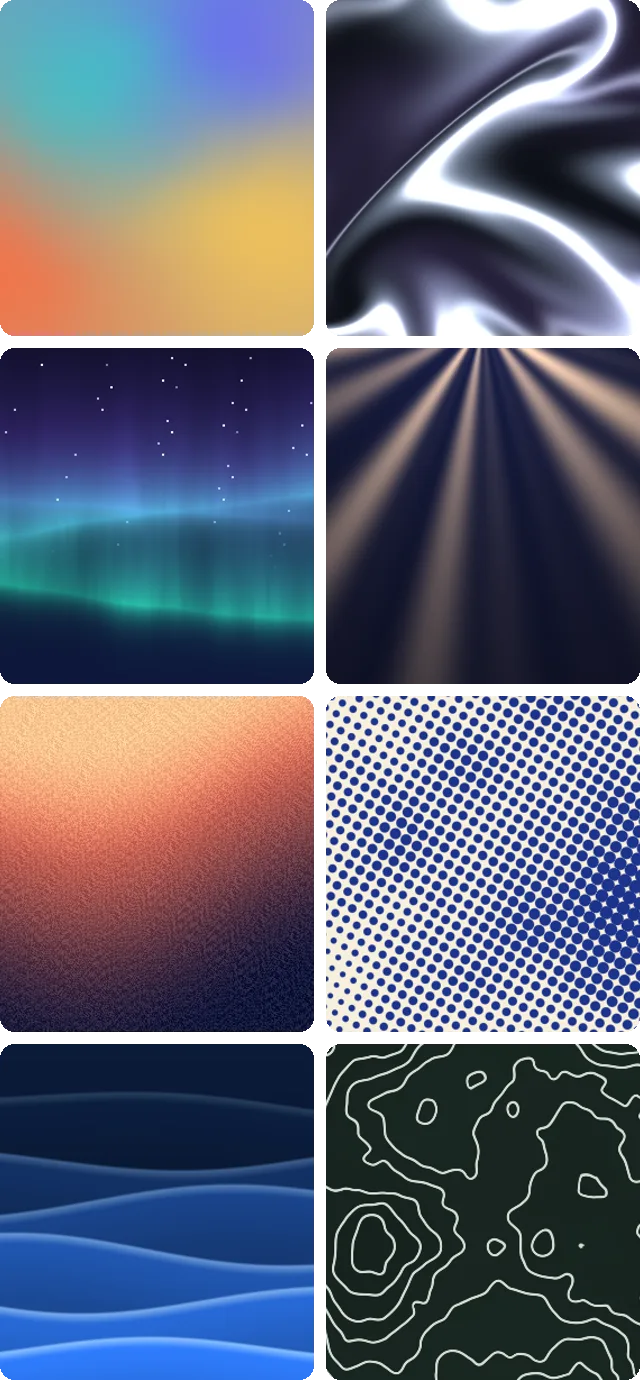
Mesh gradients, grain, chrome and light as layers that move. Or have your agent write one.
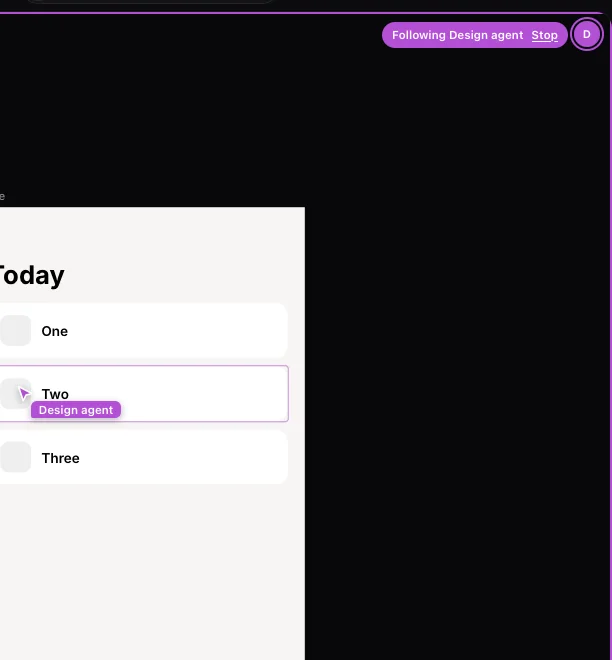
Each agent has a cursor that goes where it works. Click its face to follow along.
Type its address and it lands as layers to change, with its pictures and fonts.
Write as many as you like, then send: your agent gets one list, not a message a minute.
Ask yours for a screen and it lands on the board change by change, each one a step you can undo.
⌥⌘P opens a frame as a live web page that updates as the board changes.
K scales a layer with its type, padding, corners and shadows, all in proportion.
Make a button once and place copies that follow it; name colours and sizes once and use them everywhere.
Drop in an MP4: the canvas shows its first frame, and Preview plays it.
One board that's always there, with a page per try. Tell your agent to use it.
Press ⌘⇧2 for a screenshot or a recording. Or bring in the iOS Simulator or a website.
Framed on a wallpaper, with rounded corners and a shadow. Add a device or a headline.
Every size Apple asks for, as images or a preview video. Up to 4K.
A camera bubble you can drag and shape, with your mic and the Mac’s sound.
The view follows your clicks, calmly. Drag, change or delete any zoom.
A smooth cursor, sized as you like, with a ripple on every click.
⌘B to cut, ⌫ to remove. Sound, camera and zooms stay in sync.
Pick a design made from your screenshot, in Apple’s own devices.
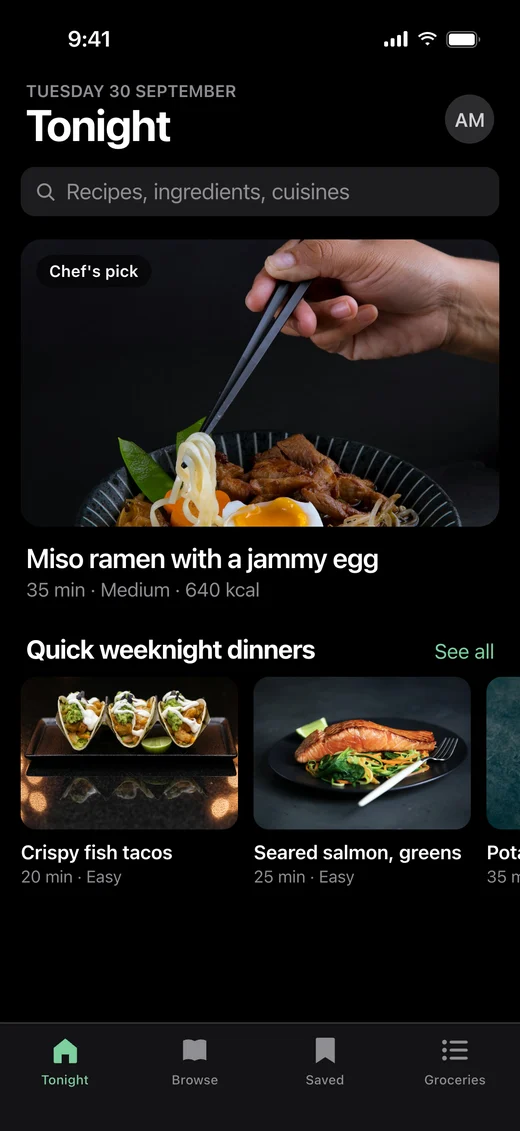
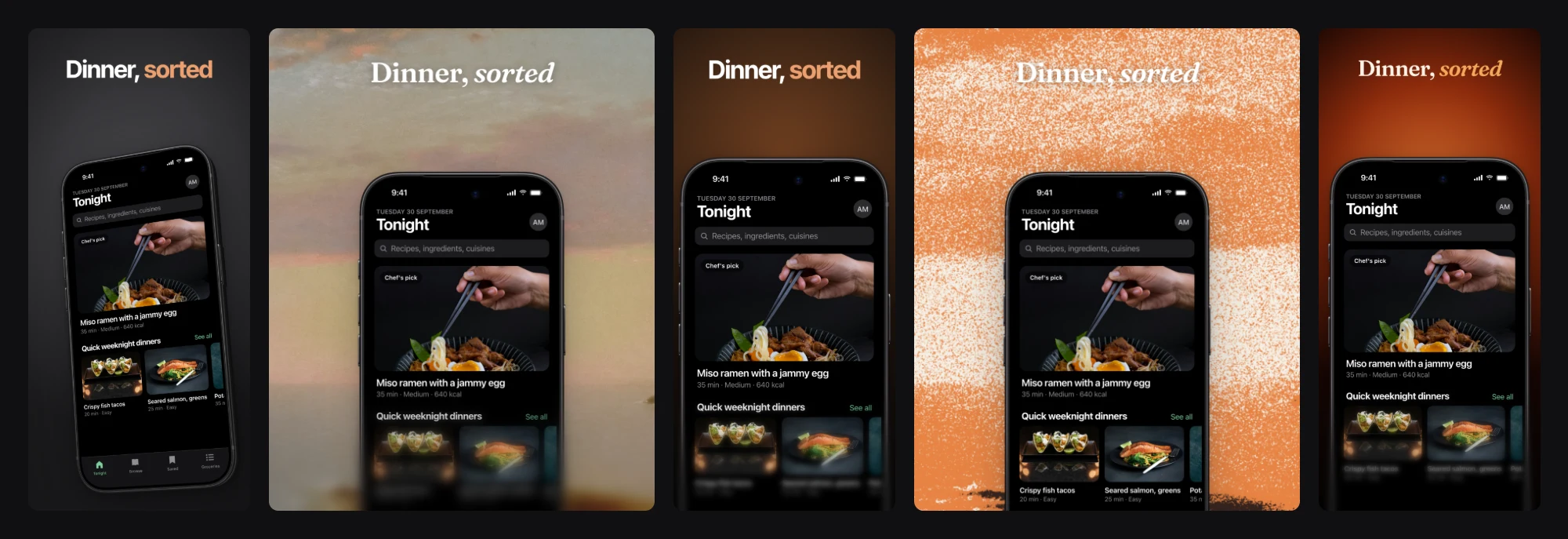
The same design, animated, at Apple’s preview sizes.
One command, then ask it to design a screen on a board while you watch.
Or ask for App Store screenshots: it captures your app, designs the set and hands you the files.
Rather ask in the app? Press ⌘K.
claude mcp add screenshotter --scope user -- \
  /Applications/Screenshotter.app/Contents/MacOS/Screenshotter mcp
codex mcp add screenshotter -- \
  /Applications/Screenshotter.app/Contents/MacOS/Screenshotter mcp
Then add tool_timeout_sec = 600 under [mcp_servers.screenshotter] in ~/.codex/config.toml, so videos have time.
// ~/.config/opencode/opencode.json, inside "mcp"
"screenshotter": {
  "type": "local",
  "command": [
    "/Applications/Screenshotter.app/Contents/MacOS/Screenshotter",
    "mcp"
  ]
}
A Mac with Apple silicon on macOS 14 or later, and Chrome, Edge, Brave or Arc, which it uses to draw designs. Everything else is inside the app.
Not if Claude Code or Codex is signed in on your Mac. An Anthropic API key works too.
It checks once a day and installs a new version in one click. Every update is signed and notarized by Apple.